MY BOWLING JOURNEY
Here's a whole league night, from walking in to the night saved. Each step has its own page if you want more.
1. Open League
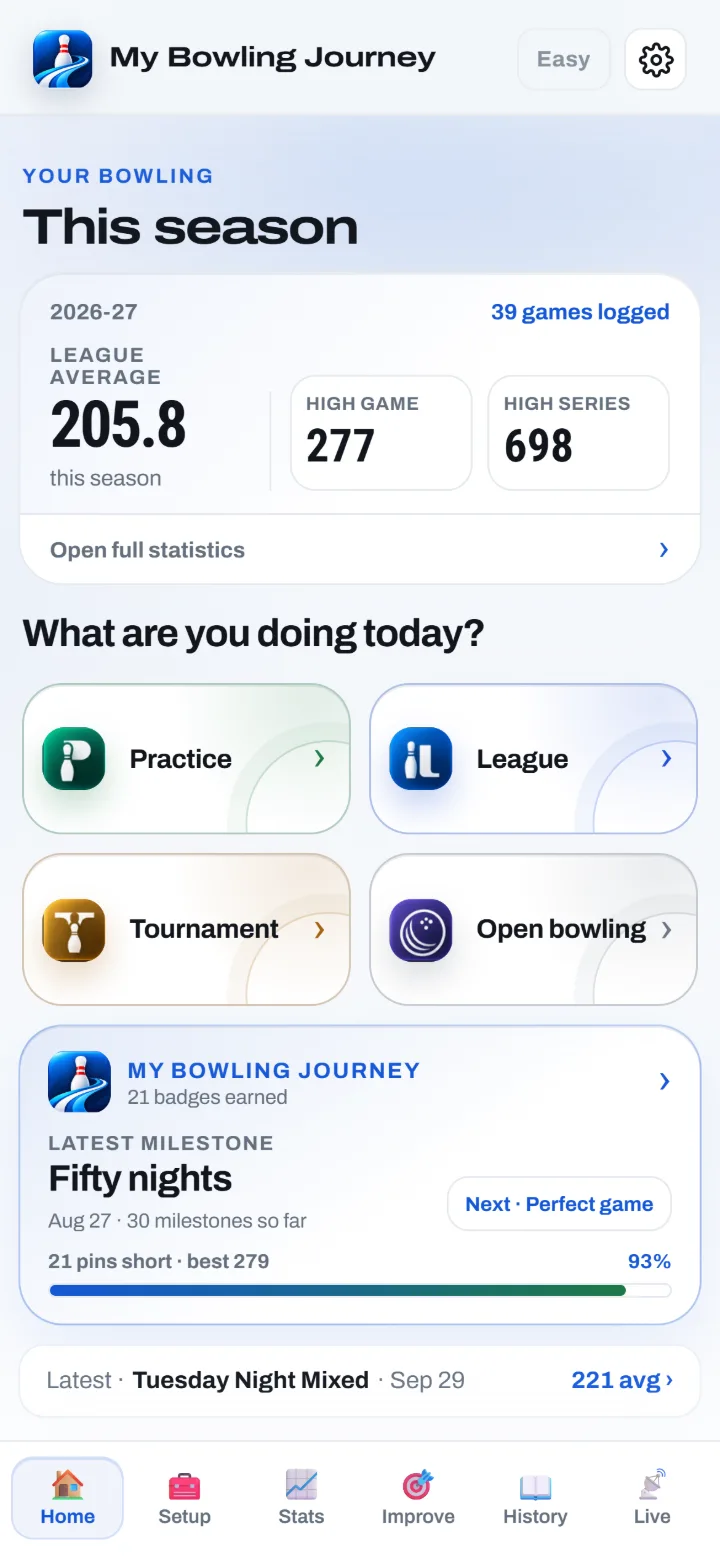
- On Home, tap League. If Home shows your first league night with Start beside it, you can tap Start instead. It opens the same place.
- No league yet? The app asks for it first. See Adding your first league, team and bowlers.
2. Set up
The night opens on Set up.
- Under Tonight's Session, check that your league (and team) is picked and the date is today.
- Under Lanes, pick Pair or One lane, and type your Starting Lane (Lane with One lane).
- Under Lane Conditions, pick House Shot or Official Pattern.
- Who are you keeping score for tonight? Just you is fine.
- How will you score tonight? Frame by frame tracks every ball. Game totals is just the score for each game. You can switch on the Scoring tab for any game.
- Tap Start Scoring.
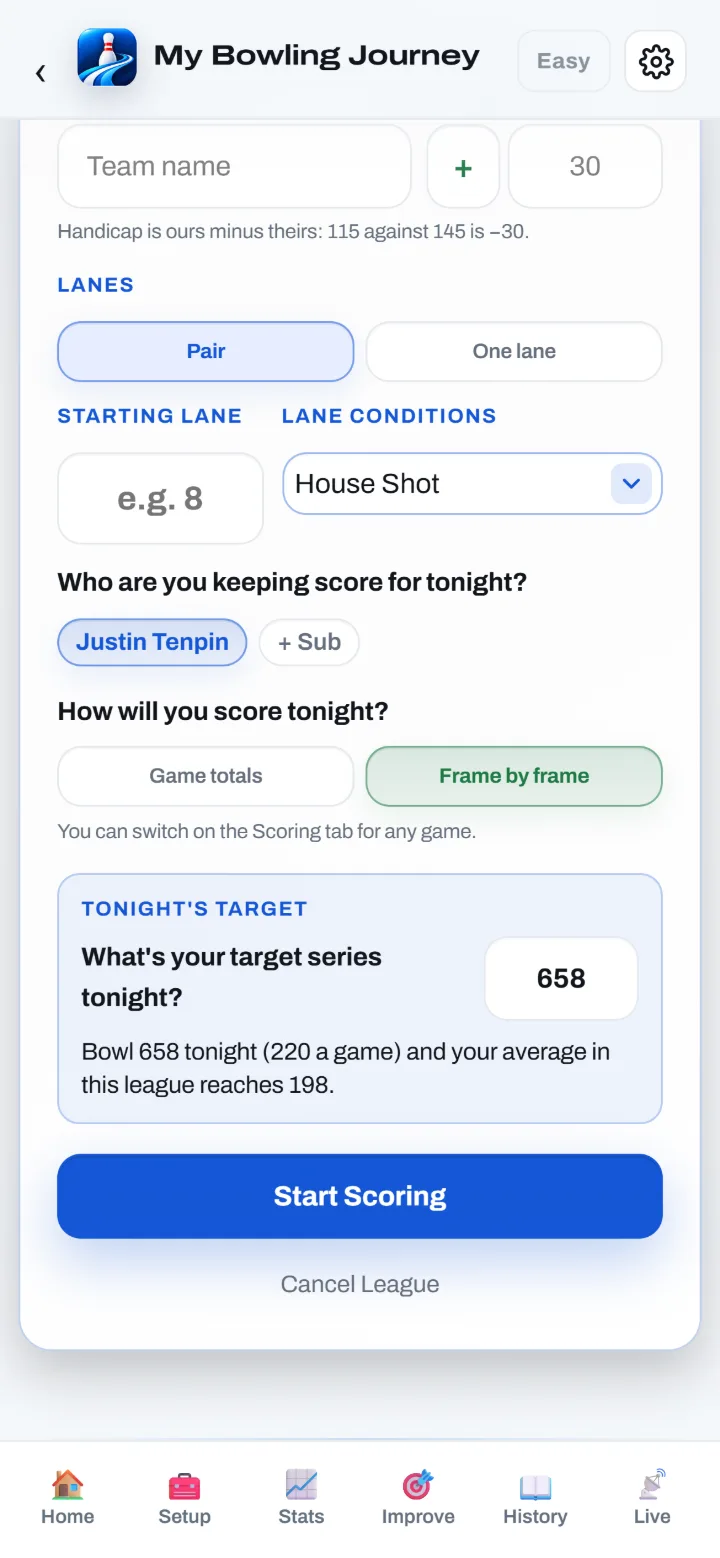
More on each part: The Set up screen.
3. Score your frames
On Scoring with Frame Tracking, the pin deck sits at the bottom of the screen. For each frame:
- Strike? Tap Strike. The frame is saved.
- A first ball in the gutter? Tap Gutter, then score the 2nd ball.
- Pins left? Tap the pins still standing.
- Picked them all up? Tap Spare. The frame is saved.
- Didn't? Tap Continue to 2nd ball, tap the pins you hit, then Save frame. Missed them all? Tap Missed.
The scorecard across the top fills in as you go.
After each of your frames, a Details pop-up opens for your ball, board and more. Fill it in or tap Done. To stop it, tap This game, Tonight or Always beside Hide this pop-up.
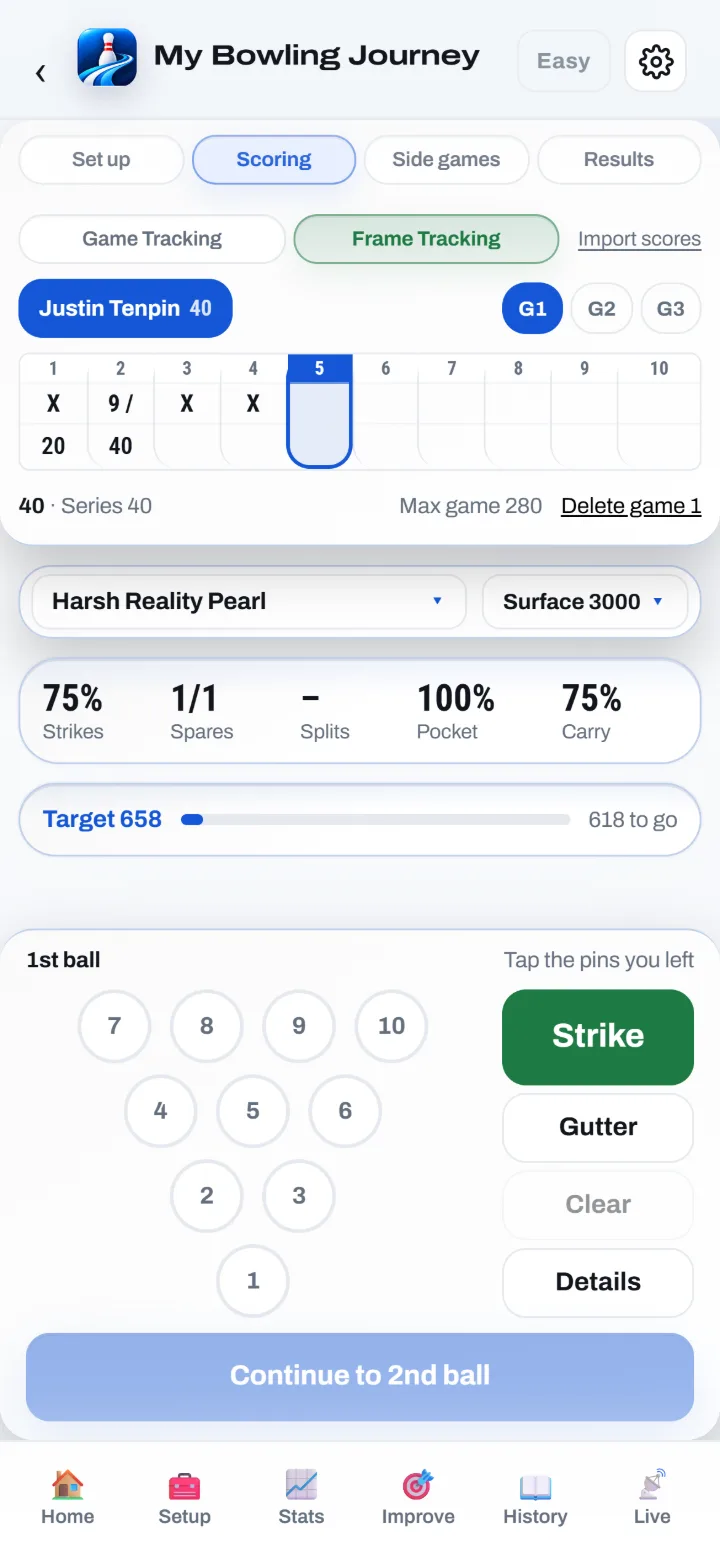
More: The pin deck, step by step and The 10th frame. Prefer to type just the game scores? See Frame or game tracking.
4. Bowl your games
After the 10th frame, the next game starts on its own. The G1, G2 and G3 chips at the top show each game.
After your league's last game, Results opens by itself. Your league plays 3 games a night unless you changed it under Games per night in Setup > League.
Made a mistake? You can fix any frame or game before you save: Fixing a frame or game.
5. Results, then save
Results shows your games, your series and your new average. You can open it any time from the tabs at the top.
- Check your scores on Results.
- Tap Save and end league night at the bottom.
- The first time, on a phone, the app may ask if you want a reminder before league night. Tap Yes or Not now. See Turning on reminders.
- You're back on Home. Next league night, the app opens on Set up again.
More: Saving and finishing.
Where your night shows up
- Home. The line at the bottom says Latest ·, your league and the date, with your average for the night. Tap it to open that night's Results. The season card above it, with your League average, High game and High series, counts the night too.
- History. Under History > Sessions, tap the night to see it again.
- Stats. Tap Stats for your numbers, now with the night in them.