 MY BOWLING JOURNEY
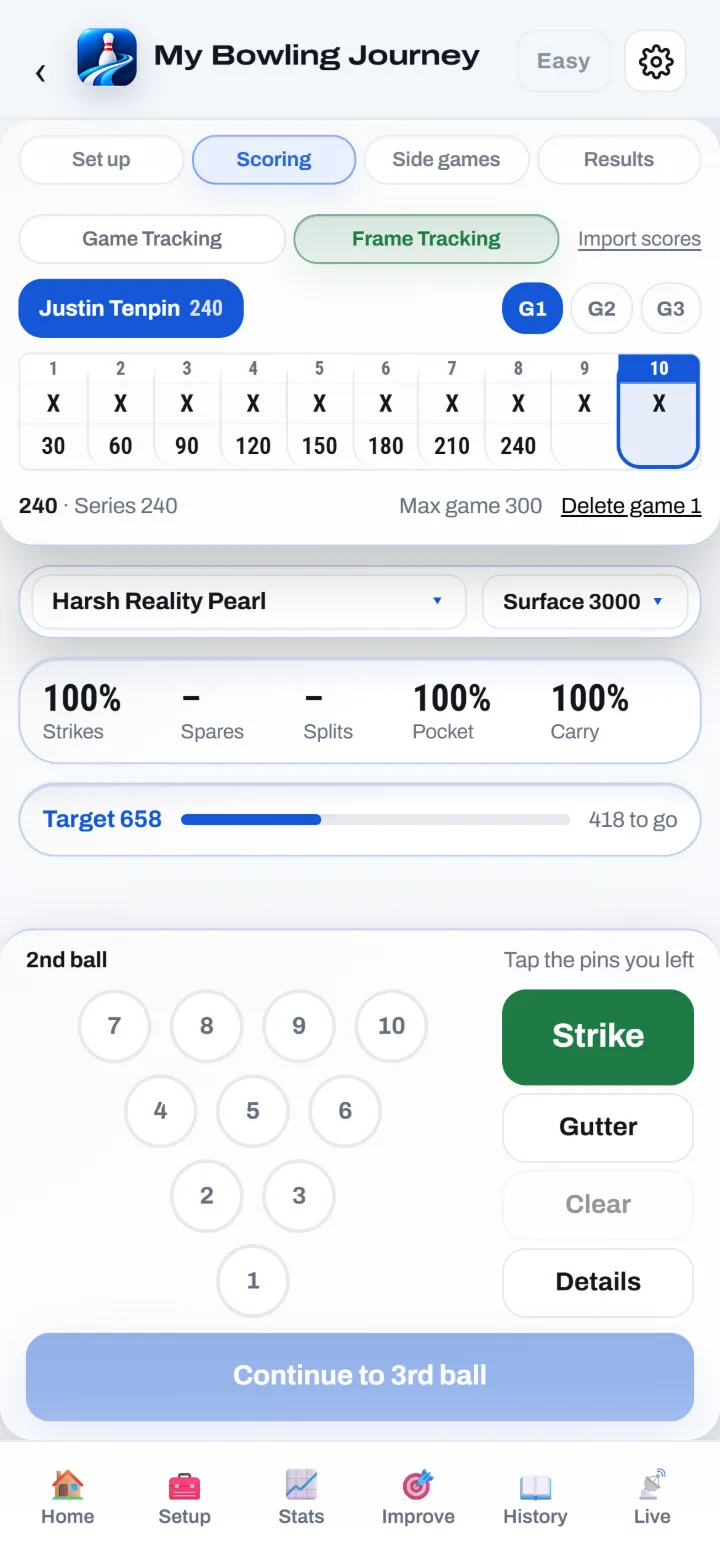
The 10th starts like any other frame. Strike or spare, and you get extra balls: the deck stays on the 10th and asks for each one, with the line over the pins saying which ball you're on.
| Your 10th | Balls you bowl |
|---|---|
| Open | 2 |
| Spare | 3: the two that made the spare, then a fill ball at a full rack |
| Strike | 3: the strike, then two more |
After a strike
- Tap Strike on the first ball. The deck stays on the 10th and says 2nd ball, with a full rack.
- Bowl the 2nd ball as a first ball: Strike, or tap the pins you left.
- Another strike? The deck says 3rd ball, with a full rack again. Tap Strike or Gutter, or tap the pins you left and tap Save frame.
- Pins left on the 2nd ball? Tap Continue to 3rd ball. Your 3rd ball is a shot at those pins: Spare, Missed, or tap the pins you hit and Save frame, as on any second ball.
After a spare
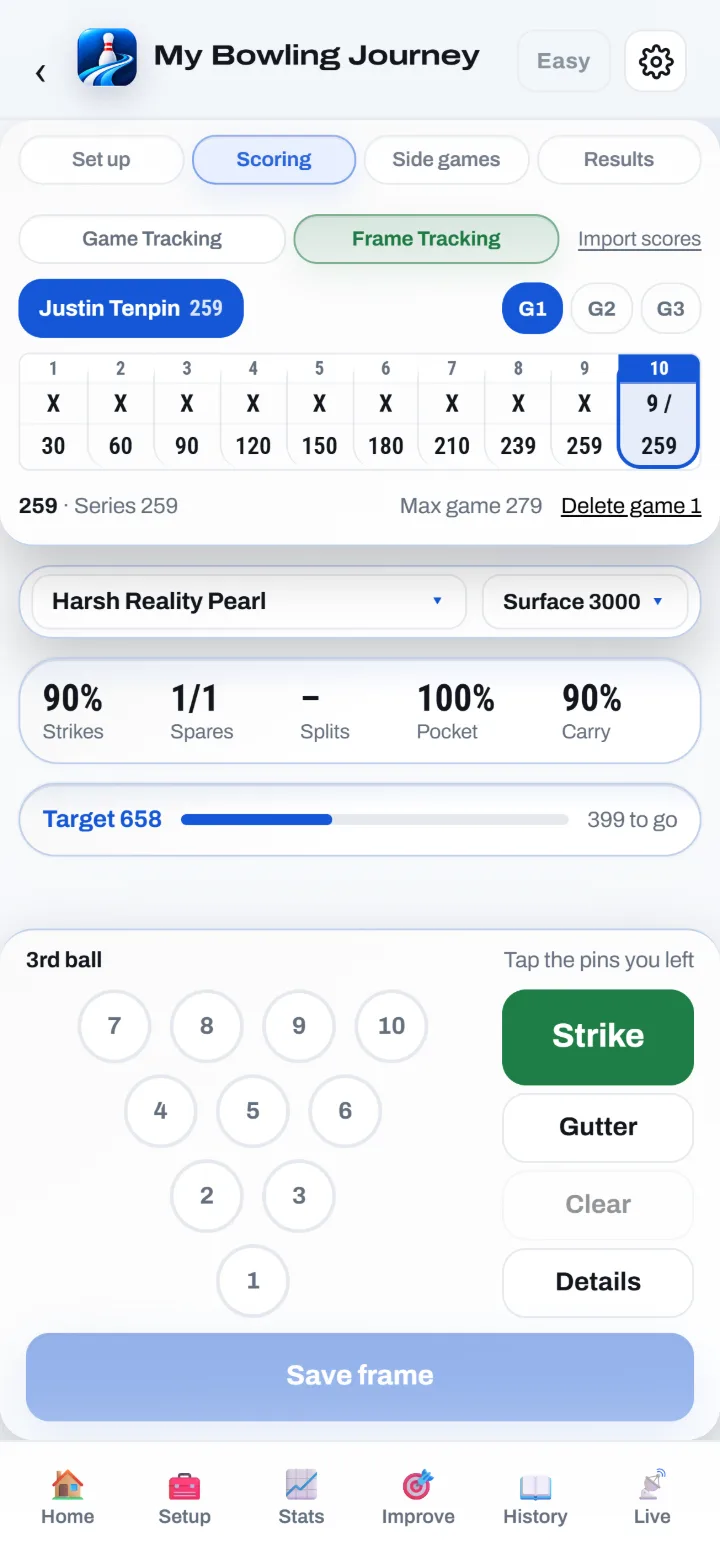
- Enter the first two balls as in any frame: tap the pins you left, Continue to 2nd ball, then Spare. (Or tap Spare straight from the first ball.)
- The deck says 3rd ball, with a full rack. This is your fill ball.
- Tap Strike or Gutter, or tap the pins you left and tap Save frame.
There's no shot at what the fill ball leaves: it's the game's last ball.
An open 10th
Leave pins on the first ball and don't pick them all up with the second, and the game is over after two balls: Missed, or Save frame on the second ball.
How the 10th is scored
- Strike: 10, plus the pins from your next two balls.
- Spare: 10, plus the pins from your fill ball.
- Open: the pins you knocked down with your two balls.
The 10th's box, and the game's total, fill in once the last ball the 10th needs is in. Until then, Max game shows the most you can still reach.
In a 9-pin no-tap league, nine down on a full rack is a strike in the 10th too: on the first ball, on the 2nd ball after a strike, and on the 3rd ball after two strikes or a spare.
The details sheet in the 10th
For your own balls, the details sheet comes up right after each strike in the 10th. After a spare it waits for the fill ball, then the spare's and the fill ball's come up, one after the other. More on the sheet: Details.
When the 10th is done
- The deck moves to frame 1 of your next game, or to the next bowler when you're scoring teammates.
- After the night's last game (your league's games per night), the night is saved and Results opens. Scoring teammates too? Results waits until everyone has finished that game.
Fixing a ball in the 10th
- Tap the 10th on the scoresheet.
- After a strike with its 2nd ball in, or a spare with its fill ball in, it asks Edit the 10th: which ball? Tap Ball 1, Ball 2, Ball 3 or Fill Ball (the ball after a spare). An open 10th, or a spare still waiting for its fill ball, opens straight away like any frame.
- Fix it as on Fixing a frame or game.
If a fix means an extra ball wasn't earned after all, like a strike changed to a 9 and a miss, the app takes that extra ball away. If a fix earns one, like an open 10th changed to a strike, the deck goes back to the 10th to ask for it.