MY BOWLING JOURNEY
Nothing about a tournament is locked once it starts. You can change its answers, fix a game, take a day off it or delete the whole thing.
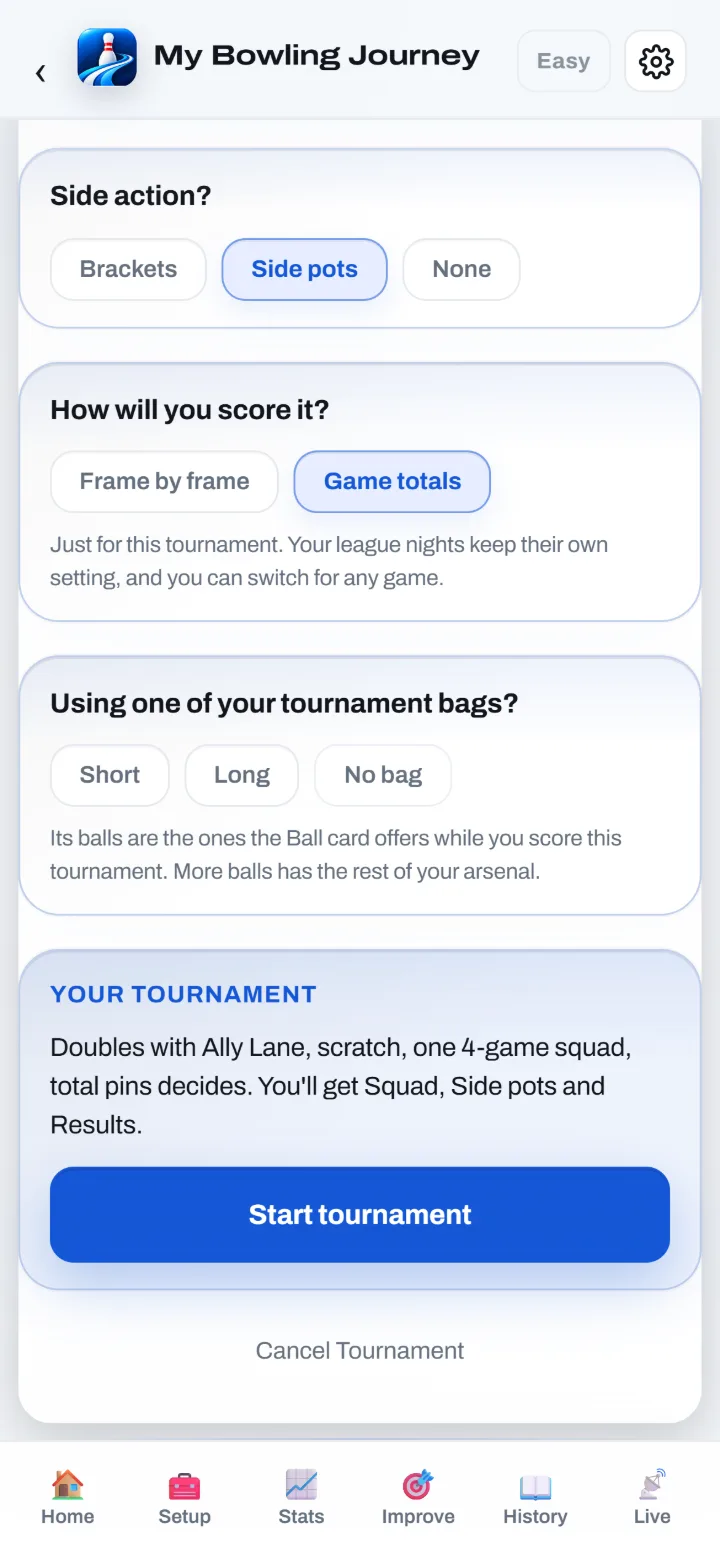
Changing the set up
- Tap Set up in the corner of the event's card.
- Each answer shows on one line with Change beside it. Tap Change to open that question.
- Change what you need. There's no save button here: each change takes as you make it, and goes into your history with the event the next time it's saved.
- Tap Back to the tournament to go back to the stage you're bowling.
The row of stages follows your answers. Add Match play after the cut and a Match stage appears; switch to Total pins decides and the stages after the cut go.
If a change would take away something with games or entries in it, the app asks first, like "Match play has 4 games entered. Remove it?" Tap Remove to go ahead or Keep it to leave it. The same goes for a block ("Block 2 has 3 games entered. Remove it?"), an event, or side action with entries in it.
- Fewer games in a block never cuts a game you've already scored.
- Switching to One squad or Several squads keeps the first block and drops the other qualifying blocks.
- Switching to Separate events takes away the cut and what follows, since each event is total pins. Switching back keeps one event's games.
Fixing a game
- Typed scores: type over the score on the squad's or block's Games card. + Game adds a game and the × takes one off.
- Frames: fix them the way you would on a league night. See Fixing or deleting a frame or a game.
- Match play and the stepladder: type over a score, or tap Remove on a match or step.
- Finals: tap Edit beside a round to change its scores.
Deleting one day
To take one day off an event, use History.
- Tap History, then Calendar, and tap the day.
- Under the tournament, tap Delete this night.
- Read what goes, then tap Yes, delete it, or Keep it.
That day's games, frames and typed scores go, along with any match play, stepladder or finals bowled that day. If it was the only day of the event with games in it, the whole tournament goes, brackets and money too, and the message says so. More on it: Deleting a whole night.
Cancel Tournament
Cancel Tournament is at the foot of Set up. It deletes the whole event.
- Tap Cancel Tournament.
- Read what goes: "every block, shot, score and bracket entered for it". This can't be undone.
- Tap Delete and exit, or Keep it to back out.
You're taken back to Home.