 MY BOWLING JOURNEY
Every session starts on Home. Under What are you doing today? there are four cards, one for each kind of bowling.
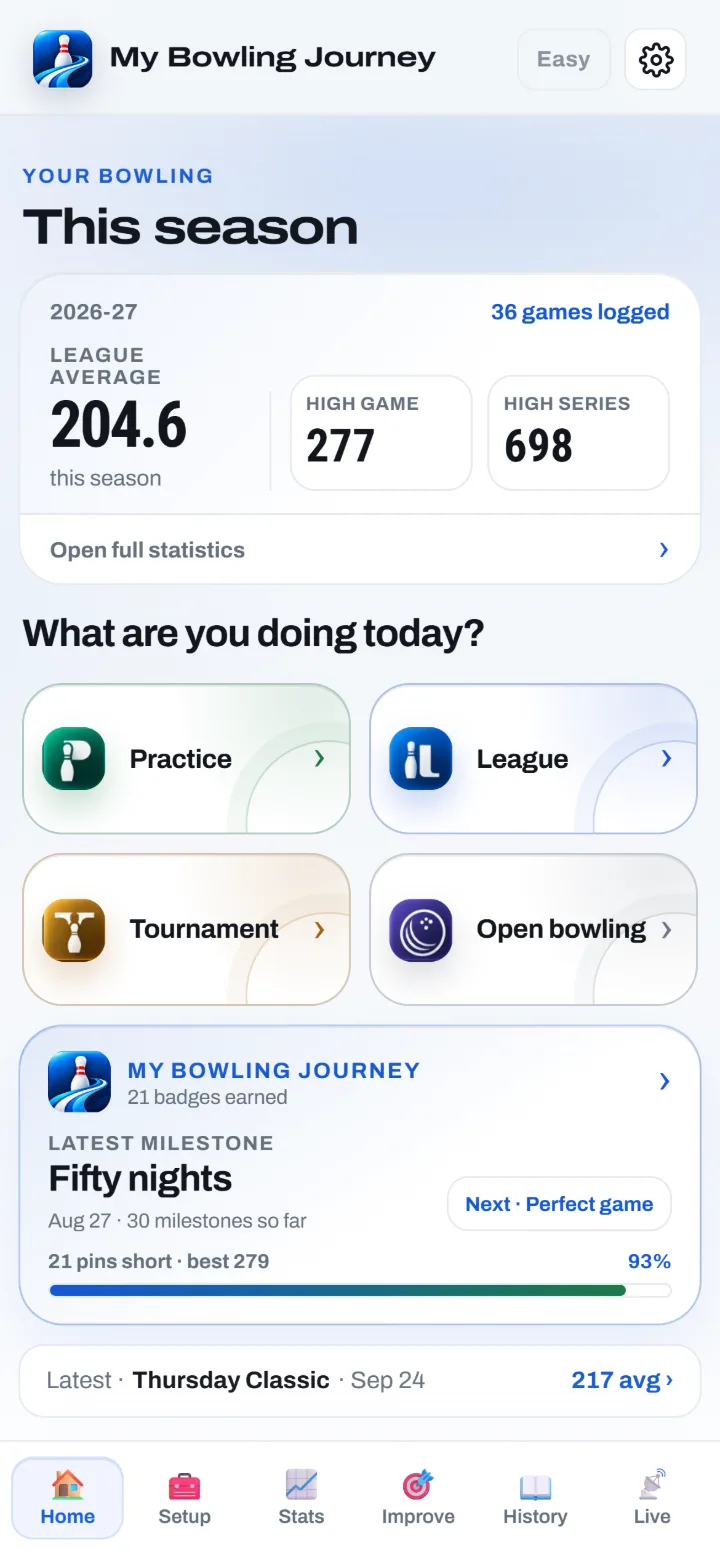
The four cards
| Card | What it opens |
|---|---|
| Practice | Practice, on its Plan tab, with Games, Drill and Accuracy beside it. Practice scores stay out of your league averages. See Setting up a practice. |
| League | Your league night, on its Set up tab, with Scoring, Side games and Results beside it. |
| Tournament | The tournament's set up, where you describe the event. See Setting up a tournament. |
| Open bowling | A score table for you and anyone bowling with you: each game's final score, no frames. While you're in it, the bar at the bottom shows only Home, Bowl and Live. See Open bowling. |
If Easy mode is on, League, Practice and Tournament open Easy mode's simpler screens instead. See Scoring in Easy mode.
Before your first league night is saved, Home may also show a line like "Your first league night: Tuesday. Tap Start when you get to the lanes." Its Start opens the same thing as the League card.
Start a league night
- On Home, tap League.
- No league yet? The app asks for it first. Add or join your league, or tap Skip for now to bowl tonight and link the scores to your league later. See Your first league.
- Set up opens with Tonight's Session open at the top. Tap tonight's league.
- Check the date under the league chips. It's today unless you change it.
- Fill in the rest of Set up and tap Start Scoring. Each part is on The Set up screen.
On the free plan, if you have more than one league and haven't chosen the one the free plan keeps, a league night asks you to choose it first.
The Live question
The first time you start a night at a bowling center while you're not sharing your scores, a card may come up near the top of the screen (on a league night, on Set up, under the tabs). It reads like this: "Share your scores live at Lucky Strike Bowl? Bowlers there see your frames as Justin T.; your teammates see your name."
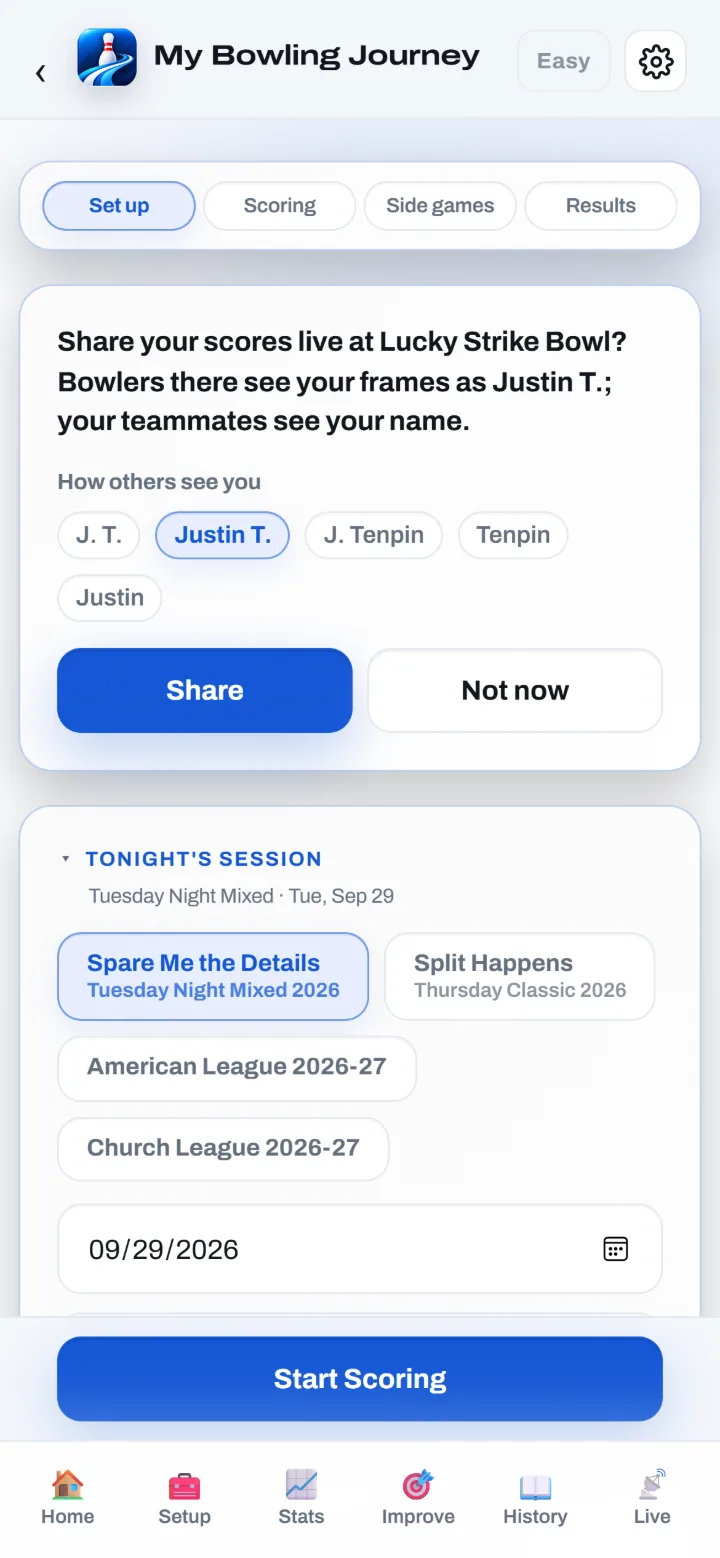
- If it shows How others see you, tap the name you want bowlers at the center to see.
- Tap Share to share your scores live, or Not now.
Either answer is kept on this phone and the card doesn't come back. You can still turn sharing on later from Live.
Pick the league and team
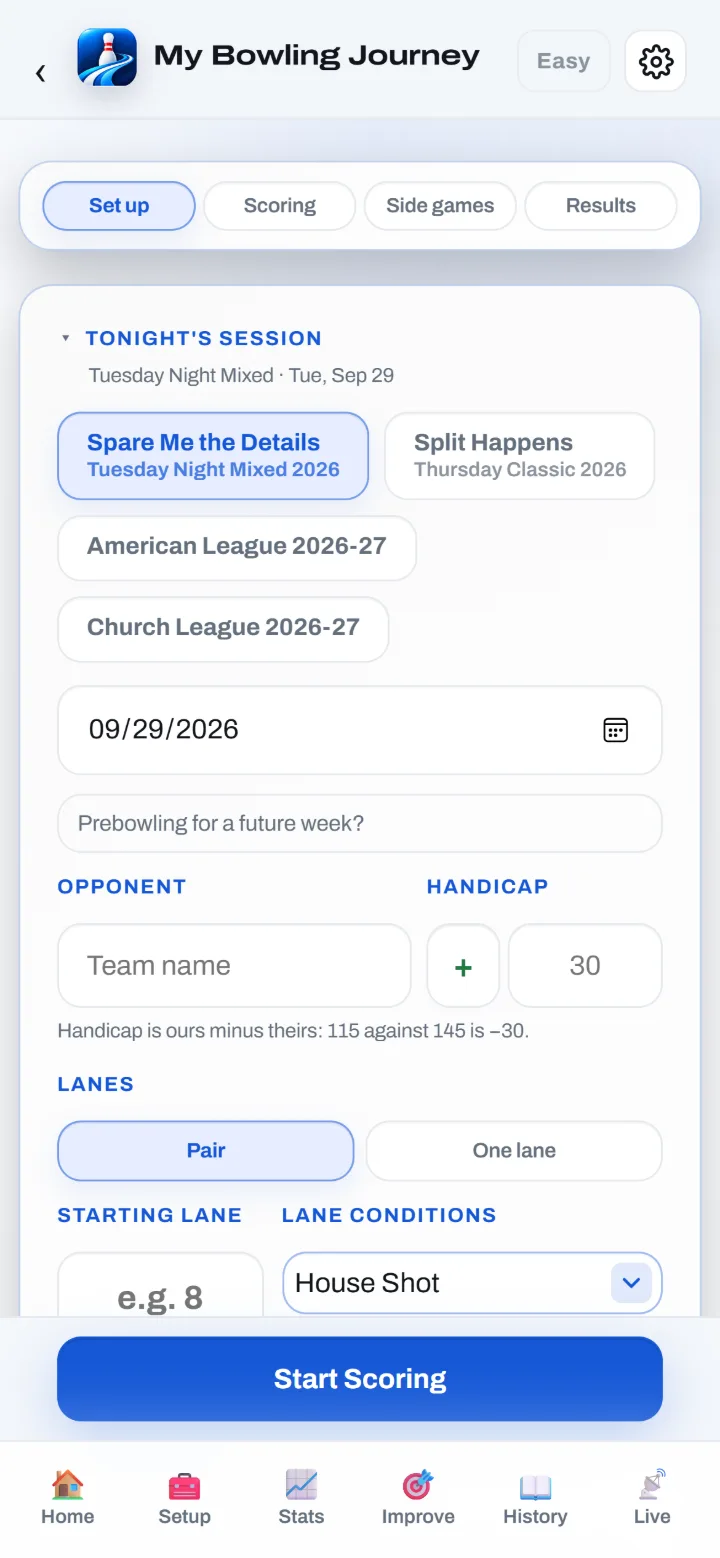
- Where you're on a team, the chip shows your team's name with the league under it.
- On two teams in the same league? Set up asks Which team are you bowling for tonight? Tap the team.
- Only this season's leagues show at first. Tap Show all leagues for the rest.
- If you sub for a team, those teams are on the chips too. The Show Subs chip at the top right of the card is lit while they show. Tap it to hide them, and again to bring them back.
- Once a night has a frame in it, its team is set. Set up then shows only that team's chip for the league.
The date and prebowling
The date box under the chips is the night you're scoring. Change it to enter a night you missed.
Bowling a future week's games early? Tap Prebowling for a future week? and the date moves to your next league night. See Prebowling a future week.
Coming back to a night you started
You don't need to start again if you leave the app in the middle of a night.
- Outside Easy mode, while a night is under way (frames entered and the night not saved yet), Home shows that night instead of the usual Home screen. The four cards come back once the night is saved.
- The app remembers the league and the date. After the app has been closed, a league night you've started scoring opens on Scoring, so you carry straight on. Only that night: pick another league on Set up whose night is still under way and you stay on Set up.
- The pin deck always picks up at the first ball you haven't entered.
- If a night is never saved, the app saves it for you when the day changes at 4 AM (whole games only), and the next day starts fresh.