MY BOWLING JOURNEY
Someone bothering you, or a name that shouldn't be in the app? The ⋯ button beside another bowler lets you report them, block them, or both. Teams and leagues can be reported by name too.
Where the ⋯ button is
- Settings > Friends: beside a bowler you found by their code, each friend request and each friend.
- Live: on a league's board, beside the league's name, beside each team that isn't yours, and beside each bowler. In the lanes view, beside each bowler.
- Coaching: beside a coaching request, and at the bottom of a bowler's or coach's page, "Block or report Ally Lane".
You never see one beside yourself.
Report
- Tap ⋯.
- Tap Report. For a team or a league, it's Report this name.
- Pick what's wrong: Offensive name, Harassment or bullying, Inappropriate content, Spam or fake account or Something else.
- Add more in More detail (optional) if you like.
- Tap Send report.
"Reports go to My Bowling Journey, not to the person you report. We review each one and can rename or remove what breaks our terms." Once it's sent, the app says "Thanks. Your report was sent, and we'll look into it." For a bowler, you can block them from there too, like "Also block Ally Lane", or tap Done.
A report needs a connection. Without one, the app says "Couldn't send the report. Check your connection and try again."
Block a bowler
- Tap ⋯ beside them.
- Tap Block this bowler.
- Read what a block does, then tap "Yes, block Ally Lane", or Cancel.
- The app says "Ally Lane is blocked." Tap Done.
What a block does:
- They can't send you friend or coaching requests.
- Any friendship or coaching between you ends. Ending a coaching deletes your coaching tasks and notes with them.
- You don't see them on Live, and you get no alerts about them.
- They can't join, or ask to join, a team you're on.
- They aren't told.
If you're already on a team together, you stay teammates. A block doesn't take anyone off a team.
Blocking needs a connection too. Without one, the app says "Couldn't block. Check your connection and try again." and nothing changes.
Unblock
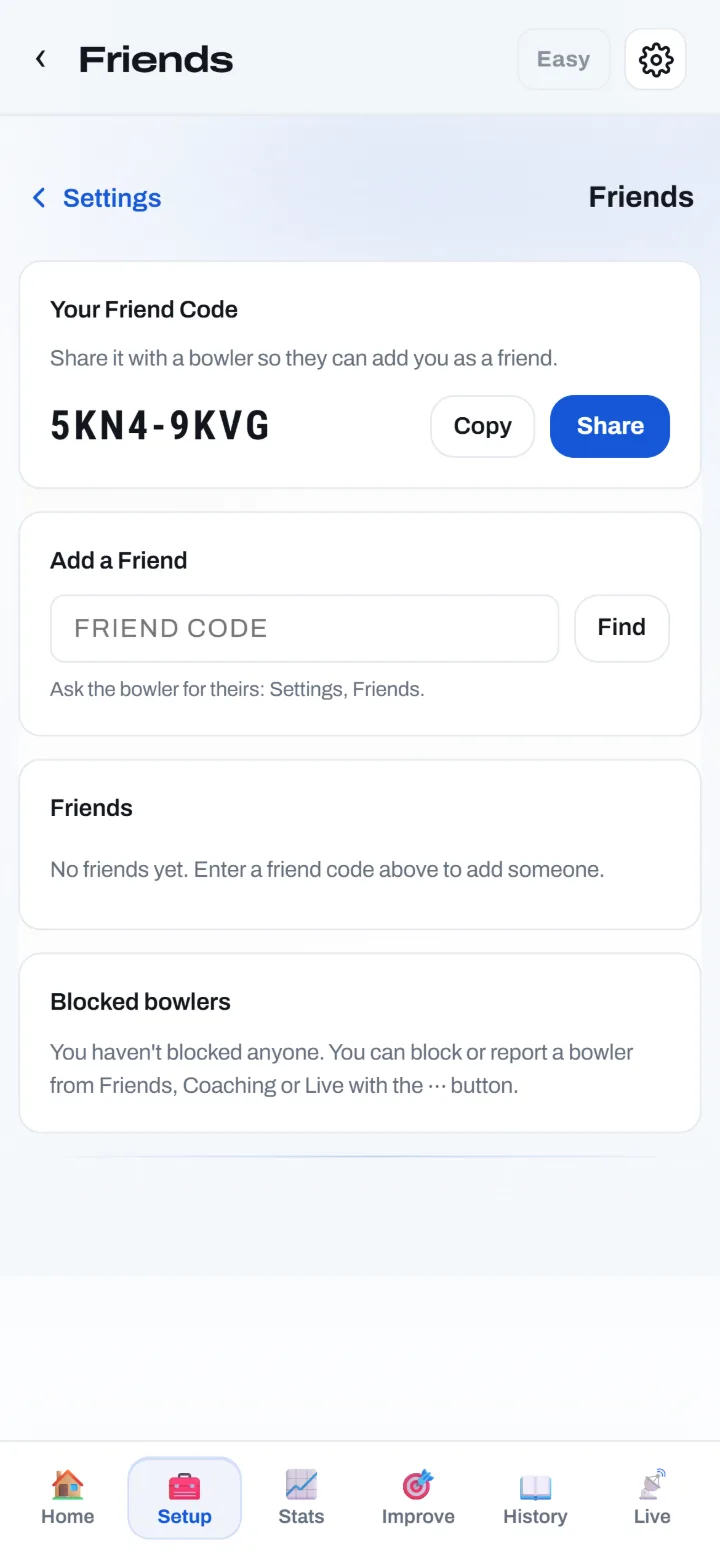
Blocked bowlers at the bottom of Settings > Friends lists everyone you've blocked, from anywhere in the app.
- Go to Settings > Friends.
- Under Blocked bowlers, tap Unblock beside their name.
Unblocking doesn't make you friends again or bring a coaching back. Add them again with their code if you want to.
With nobody blocked, the card says "You haven't blocked anyone. You can block or report a bowler from Friends, Coaching or Live with the ⋯ button."