 MY BOWLING JOURNEY
Nobody sees what you bowl unless you connect with them or turn on Live. Being in the same league isn't enough: a bowler in your league who isn't your teammate, your friend or your coach doesn't see your name or your scores, unless you share live.
Here's who sees what. The full detail is in the Privacy Policy, under Settings > Help and About > About & Legal.
Friends
A friendship you ask for starts only when you both say yes. A friend then sees your nights and your frames, in every league and in practice, so you can compare with each other on Stats. They don't see your notes or your side game money. See Comparing with friends and teammates.
To end a friendship, go to Settings > Friends and tap Remove beside them. Their nights leave your phone too. See Friends.
Teammates
A teammate sees the nights and frames you bowl for your team, the scores typed for the team's league, your balls and bags, and which hand you bowl with.
That's all. Your practice, your tournaments, your other leagues and your other teams stay private from them. Joining a team adds your teammates to your friends, but a teammate friend still sees only the team's nights. A teammate you remove as a friend stays removed.
A coach
A coach you accept sees your nights and frames, notes included, and the notes they write for you. Not your side game money. See Working with a coach.
Live
Nothing goes on Live until you turn on Share my scores live on My Live. Then:
"What's shared: your frames and scores, and the last 30 days of nights on History. Not your notes, balls or stats."
Show my name on Live decides the name on the board. Off, everyone but your teammates sees a short name you choose. Your teammates always see your name. See My Live.
Compare with other bowlers
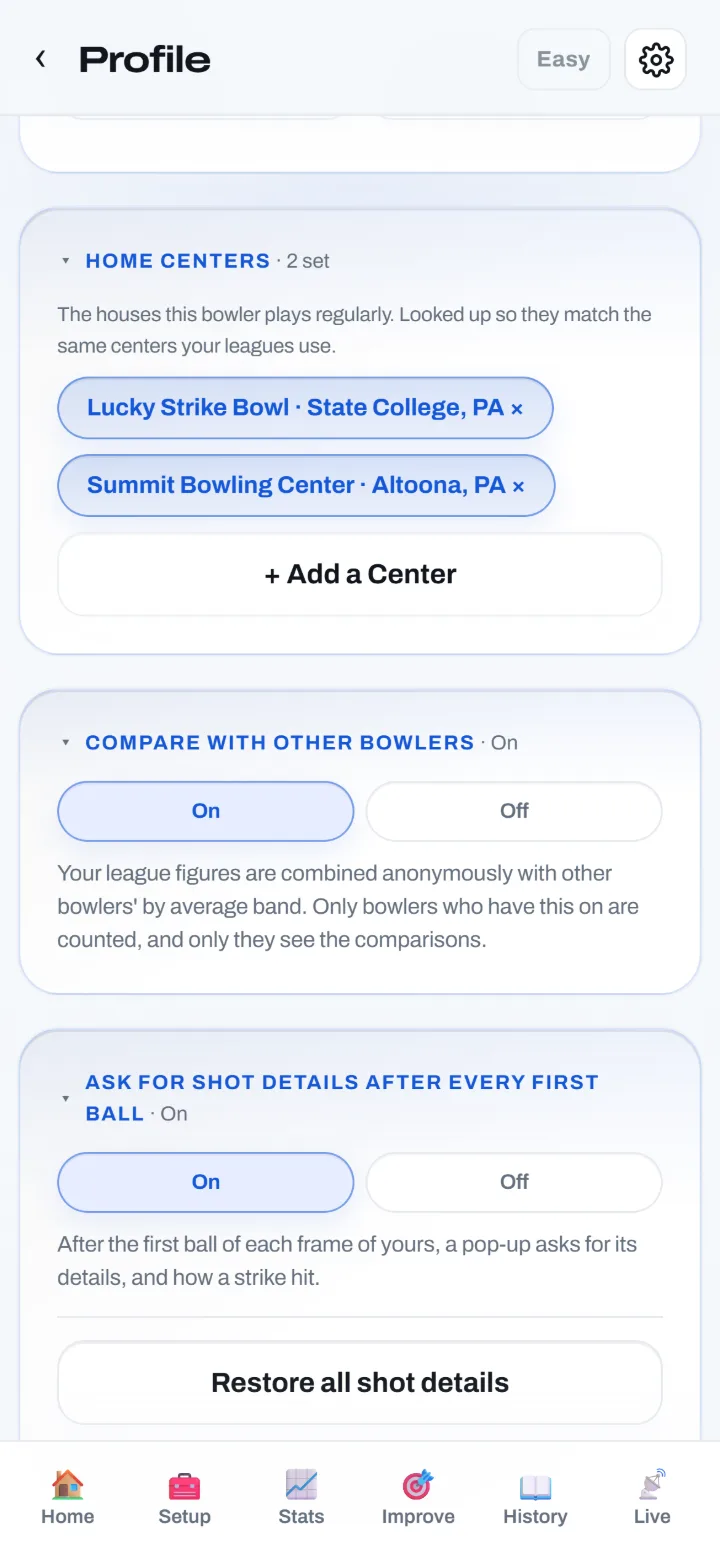
"Your league figures are combined anonymously with other bowlers' by average band. Only bowlers who have this on are counted, and only they see the comparisons."
It's on unless you turn it off, on the free plan too. Nobody sees your name or your own figures, only each band's combined ones.
- Tap the gear (Settings) at the top right.
- Tap the Profile tile.
- Open Compare with other bowlers.
- Tap Off or On.
Off takes your figures out from the next night on, and the Bowlers like you card stops showing you the comparison. See Bowlers like you.
Blocking someone
Tap the ⋯ beside a bowler's name, then Block this bowler. They can't send you friend or coaching requests, any friendship or coaching between you ends, and you won't see them on Live. They aren't told. See Blocking and reporting a bowler.