 MY BOWLING JOURNEY
The Weekly Recap puts your week of bowling on one screen: league nights, tournaments, practice and open bowling, each set against your season.
Opening it
- From Stats: tap Recap at the top of the Stats tab. On a narrow phone it's just a small calendar.
- From the notification: when a week with bowling in it ends, your phone says "Your week in bowling is ready." Tap it.
- From History: any week or month on the Calendar has its own recap. A month's is the Monthly Recap. See History: Calendar.
Haven't bowled yet? It says Your first Weekly Recap comes after your first night of bowling.
Your week
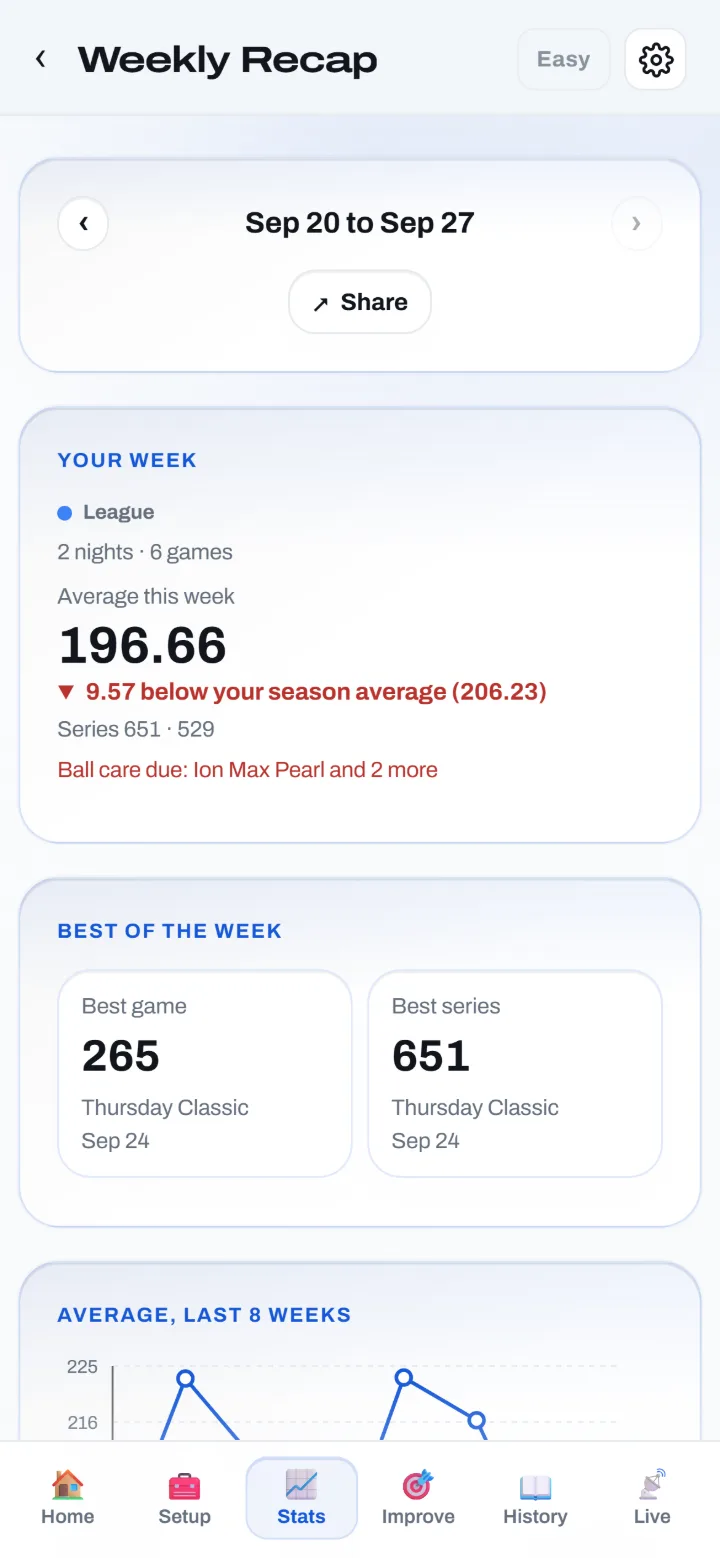
Your week ends at the day and time set under Settings > Notifications > Weekly Recap, Sunday at 7:00 PM to start with. A weekend tournament lands in one week. The recap shows the last week that ended. If you didn't bowl that week, it shows the last week you did and says No bowling last week, so this is the last week you bowled.
Tap ‹ and › beside the dates for the week before or after. A week with no bowling says No bowling this week.
Four kinds of bowling, kept apart
League, Tournament, Practice and Open Bowling each get their own figures, with a colored dot and the name, so a practice night never moves your league numbers. 9-pin no-tap is always kept apart from ten-pin, like "League, 9 pin no-tap". Baker events aren't in the recap.
The cards
Each card shows only when the week has something for it.
- Your week: for each kind, the nights and games ("2 nights · 6 games"), Average this week to two decimals, and how it sits against your season, like "9.57 below your season average (206.23)". Then your series, your practice drills and accuracy, and for Pro, any ball due for care, like "Ball care due: Ion Max Pearl".
- Tournaments: each tournament you bowled and where it got to.
- Best of the week: your Best game and Best series, where and when. Career high or Season high when it beat everything before it. A series is a league night with all of its games (four in a 4-game league) or a tournament day of three.
- Average, last 8 weeks: your average each week, this week as the filled dot. A week you didn't bowl leaves a gap.
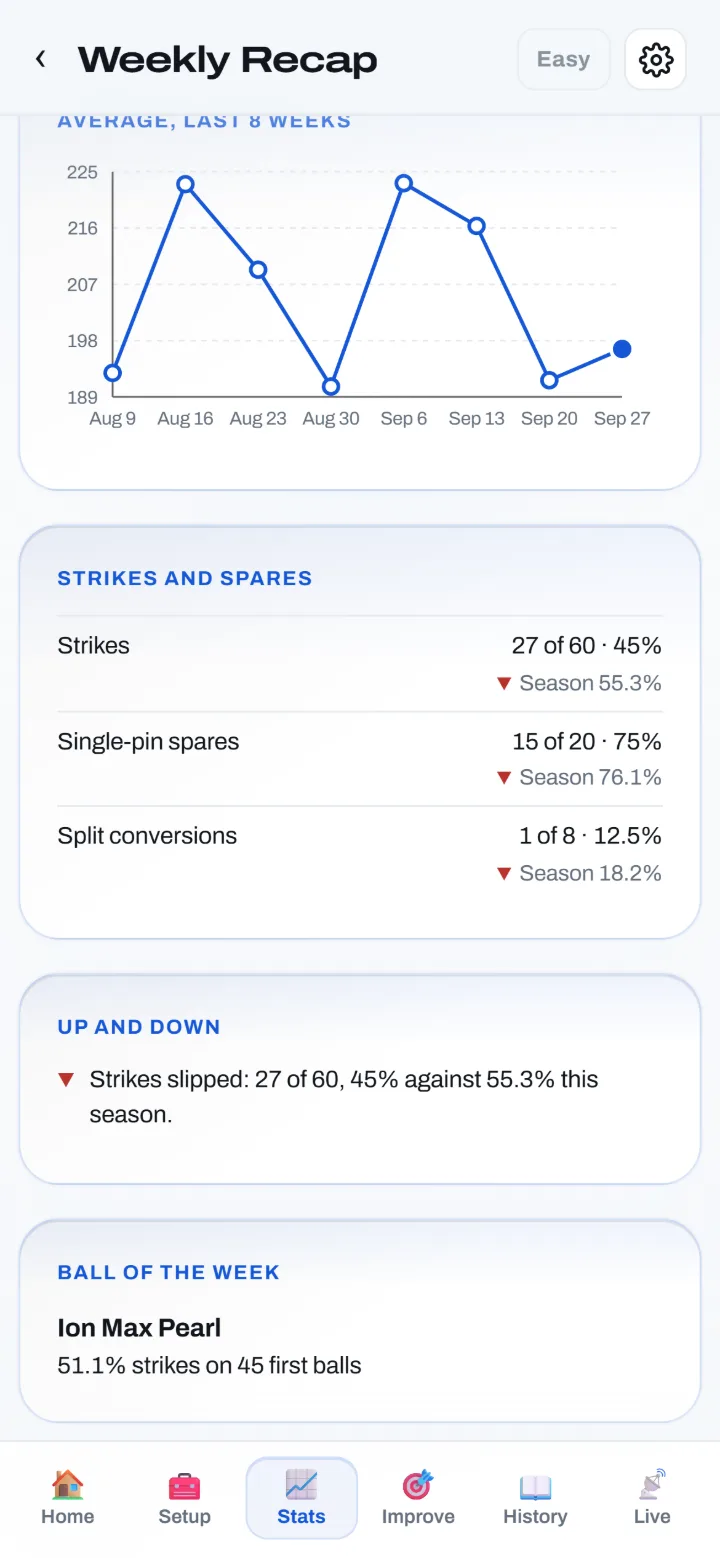
- Strikes and spares: Strikes, Single-pin spares and Split conversions this week, like "27 of 60 · 45%", and the season's rate under each with an arrow. These need frames scored frame by frame.
- Up and down: the one that rose most and the one that slipped most against your season, like "Strikes slipped: 27 of 60, 45% against 55.3% this season." When it's your best week of the season, it says so. It only counts a figure with enough tries behind it.
- Ball of the week (Pro): the ball that struck most often, like "51.1% strikes on 45 first balls", from a ball with plenty of first balls this week. On the free plan the card says "The ball that struck most often. It's part of the paid plan."
- Team and league: the points you marked on Results, like "Tuesday Night Mixed: 3 of 4 points this week", and the season so far.
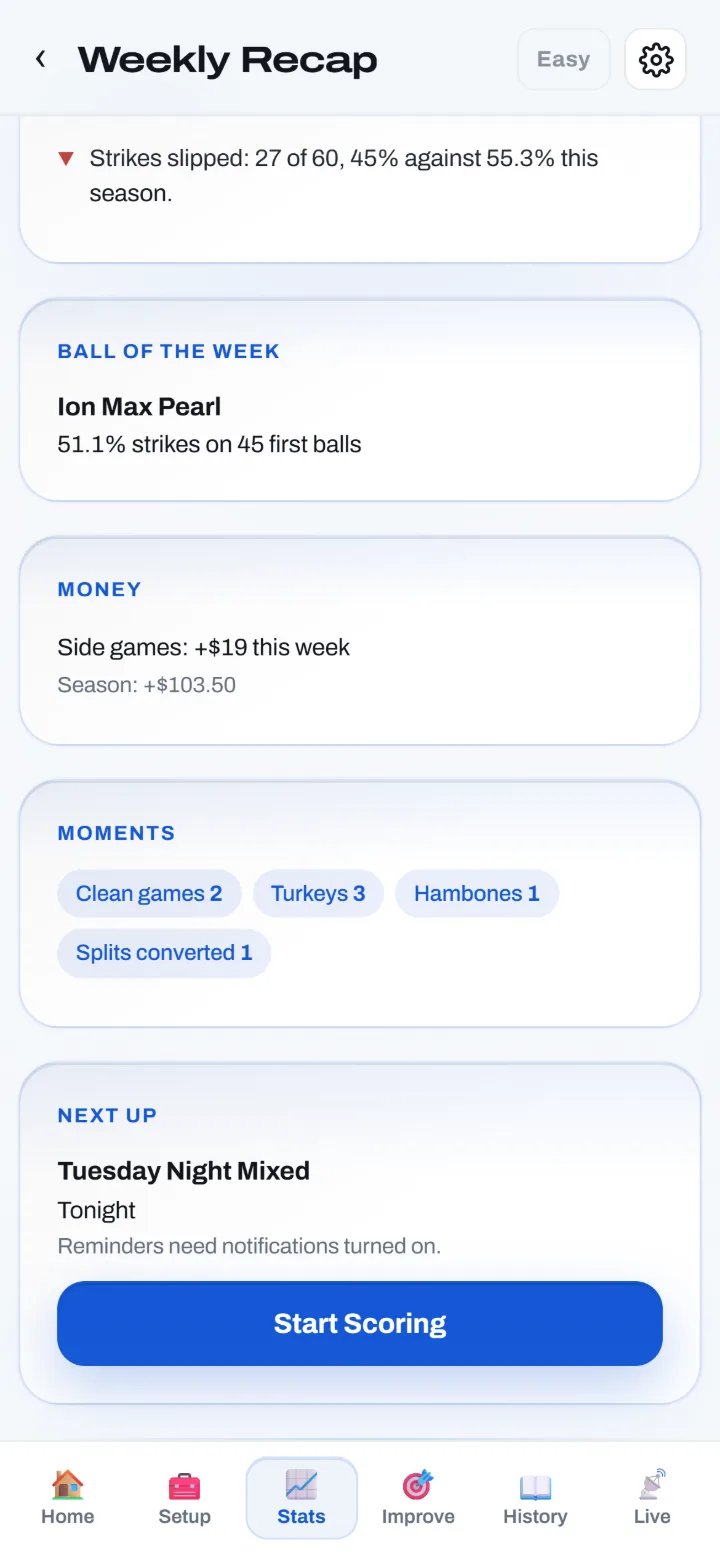
- Money: side games this week and this season, up or down. Tournament money too, which is Pro, as in the Cash Book.
- Moments: the week's big moments, counted by the same rules as celebrations: Turkeys, Hambones, Splits converted, Clean games, New high games, 300 games, 800 series and First 700 series, and on 9-pin no-tap No-tap 300 games and No-tap 800 series. Like Strikes and spares, it needs frames scored frame by frame. See Celebrations and personal bests.
- Next up: your next league night, and whether its reminder is on. When it's tonight, Start Scoring opens it. Only on the latest week.
In Easy mode, the recap keeps the cards that work from game scores, and leaves out Strikes and spares, Up and down, Ball of the week and Moments.
Sharing it
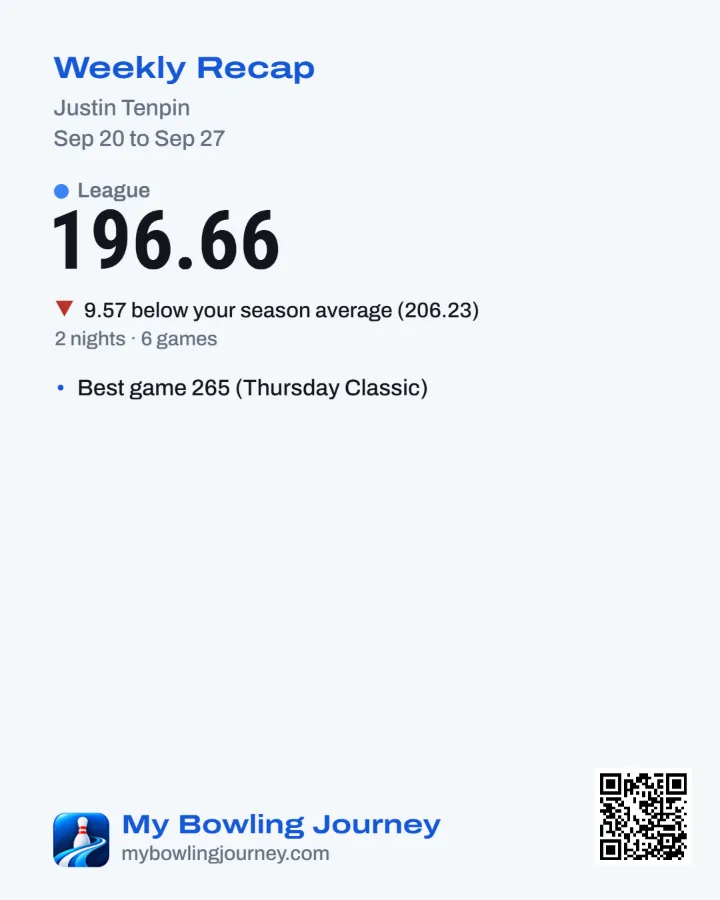
Tap Share under the dates. It sends a picture of your week: each kind of bowling with its average, how it sits against your season, and your best game.
The notification
The Weekly Recap notification is on to start with. To change its day and time, or turn it off, go to Settings > Notifications and find Weekly Recap. The day and time you pick is also when each week ends. See Notifications.