MY BOWLING JOURNEY
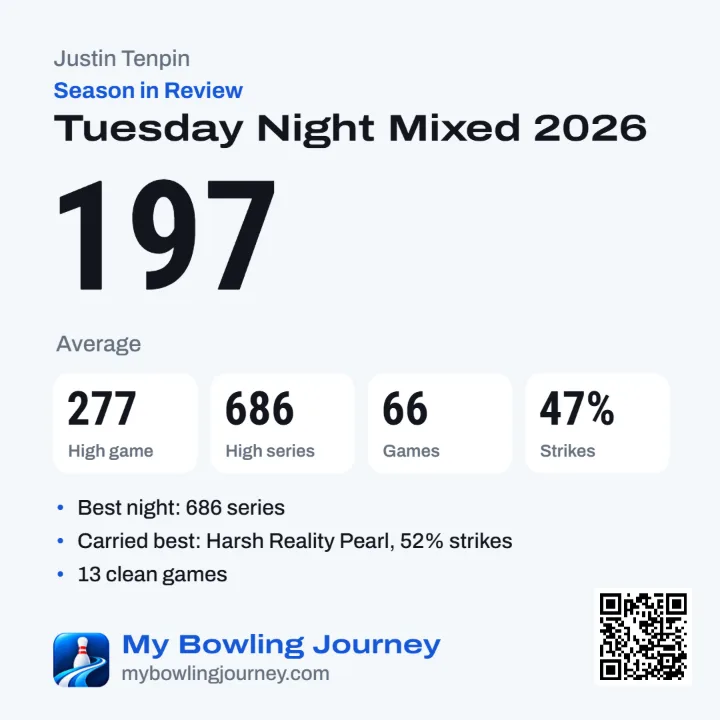
When a league season ends, the app puts it on one card for you: the Season in Review. Around the new year, you get a Year in Review too.
Find it
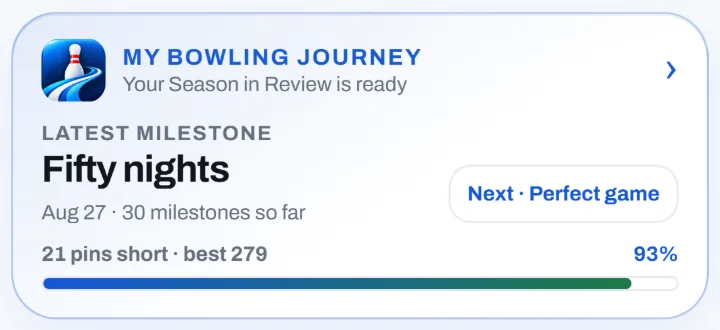
- On Home, the My Bowling Journey card says Your Season in Review is ready or Your Year in Review is ready while one is new.
- Tap the card to open Journey.
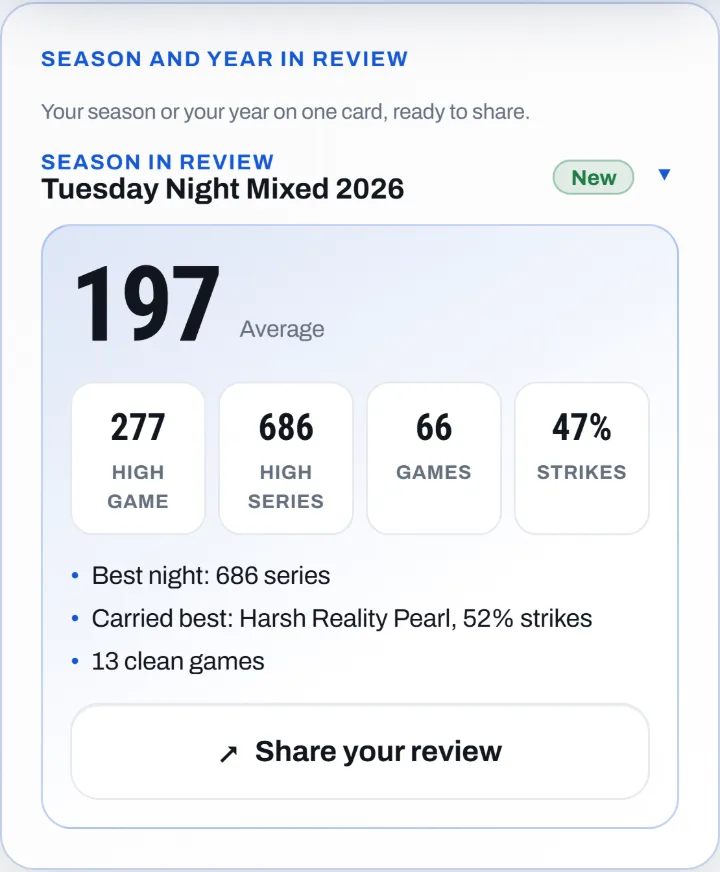
- Season and Year in Review is under the top card. A new review is marked New, and the top one opens by itself.
- Tap a review to open or close it.
Each league's latest finished season stays there until the next one ends. Reviews show on the Journey you open from Home, not on History's Journey tab.
When one arrives
- Season in Review: for each league, once its season has ended and you bowled at least three nights in it. The season is the league's Season dates in Setup, or the usual season when those aren't set: 15 August to 15 May, or 16 May to 14 August for a summer league. It's marked New for three weeks after the season ends.
- Year in Review: in December for your year so far, and in January for the year just finished, once you have three league nights in it. It's marked New from 26 December to 10 January.
What's on it
- Your Average, big.
- High game, High series and Games, then Strikes if you scored frames, or Nights if you didn't.
- A few lines when there's something worth saying:
- Your best night, like "Best night: 702 series".
- "Second half of the season: up 6 pins", when the second half of your nights averaged at least 3 pins more than the first.
- The ball that carried best, like "Carried best: Phaze II, 61% strikes", once two of your balls have at least 30 first balls each that season.
- How many clean games you had: every frame a strike or a spare.
What counts
- A Season in Review is that league only, inside its season's dates. A 9-pin no-tap league's review says so.
- A Year in Review is every league night of the year. 9-pin no-tap nights, sub nights, practice, open bowling and tournaments stay out.
- A series is a three-game night.
Share your review
Tap Share your review for a square picture of the review, with your name, the app's name and its QR code, and the numbers as text. See Sharing a night, a card or a badge.