 MY BOWLING JOURNEY
Nothing is deleted; it's all still there. A few things change what the app shows, and each one is a tap to undo.
Open bowling
While you bowl an open bowling night, the bar at the bottom is just Home, Bowl and Live.
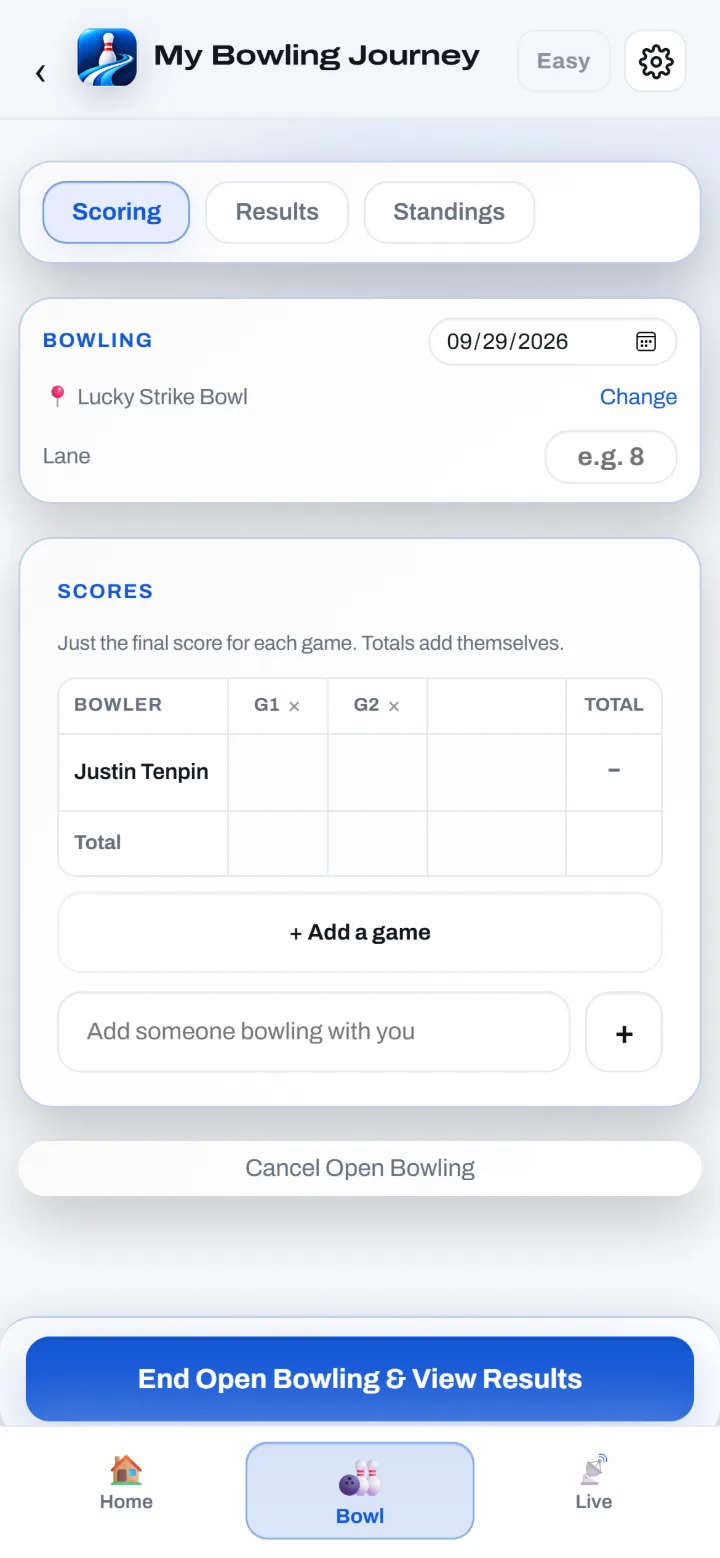
Tap Home and every tab comes back. Your open bowling night is still there: tap Open bowling on Home to pick it up where you left off. Saving the night brings every tab back too.
Easy mode
With Easy mode on, the bar has Home, Stats, History and Live. Setup and Improve step out of the way, and so do scorecard import, side games and the Coach screen. Stats is one page.
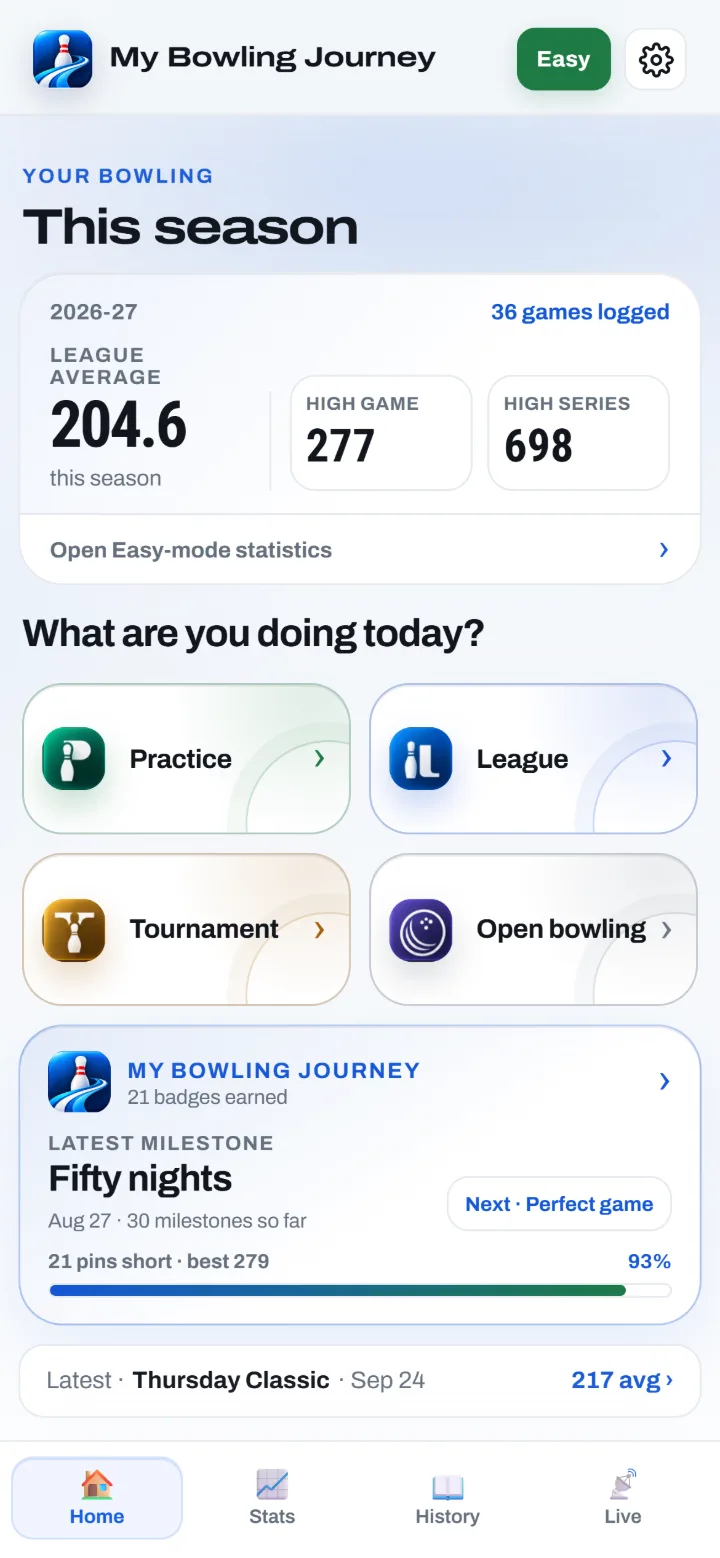
To turn it off, tap Easy at the top, next to the gear. It turns gray and everything is back, with every night you saved in Easy mode. It's saved with your account, so it stays on, on every phone, until you turn it off. See Easy mode and the full app.
Someone else's bowling
A striped yellow banner across the top, and Justin Tenpin's season on screen? You're in the example account. Tap Back to my profile on the banner, and your own app is just as you left it. See The example account.
A league that's gone
- Hidden: go to Setup > League, find the league and tap Hidden (show again).
- Paused on the free plan: only your active league is offered when you score. The others come back with Pro, and nothing in them is deleted. See The Pro trial and your active league.
A night or a card that's gone
- A night: see A night or game is missing.
- A card on Stats: see A stats card is missing.
Help shows only a few articles
During an open bowling night, and after it, Help keeps to open bowling's articles. Start a league night, practice or tournament from Home and they're all back. See Getting help.