 MY BOWLING JOURNEY
Your bowling is kept with your account, so once you're back in, it's all there. How signing in works: Creating an account and signing in.
The code hasn't come
- Give it 2 or 3 minutes, then check your spam or junk folder.
- Check the email address on the Check your email screen. A typo sends the code somewhere else. Tap Use a different email, fix it, and tap Email Me a Code again.
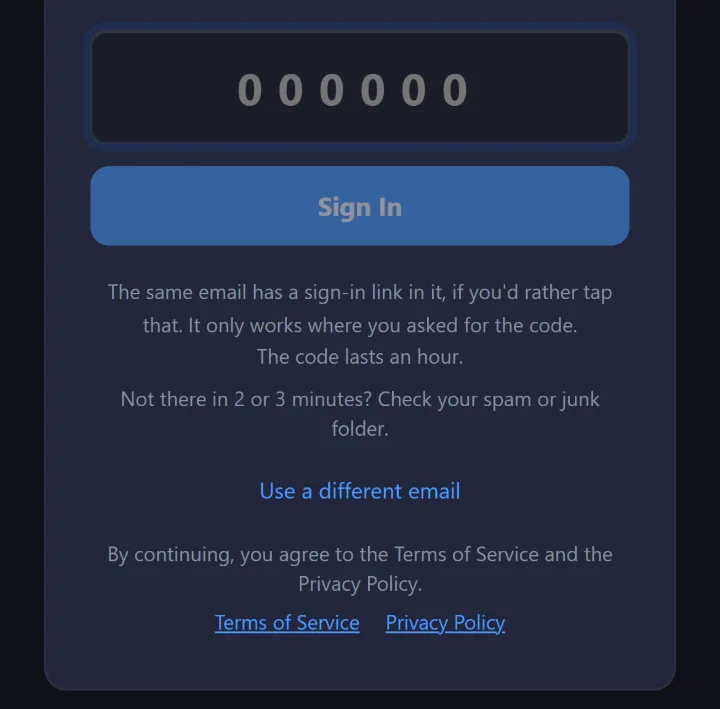
The code doesn't work
The app says "That code didn't work. Check it, or send a new one."
- Check the digits and type them again. The app signs you in as soon as the last one is in.
- The code lasts an hour. Older than that? Tap Use a different email and send a new one.
The same email has a sign-in link in it too. It only works where you asked for the code: in the app you asked from, or the same browser on the website. Opened anywhere else, it says "That sign-in link only works where you asked for the code. Type the code from the email here instead." In the phone app, typing the code is the surest way in. If the link says "That sign-in link didn't work. It may have expired. Send yourself a new one.", type the code instead, or send a new one.
Google or Apple
- "Couldn't sign in with Google. Check your connection and try again." Check your signal, then tap Continue with Google again.
- Sign in with Apple is in the iPhone app only. On Android and the website, sign in with Google or an emailed code.
- "Couldn't sign in with Apple. Try again." Tap Sign in with Apple again.
The app is empty after signing in
You've most likely signed in to a different account from your usual one. Another email address, or another Google or Apple account, opens an account of its own.
- Tap the gear (Settings), then the Account tile. The Account card shows the email you're signed in with. Open it and it says "Signed in as justin@example.com."
- Not the one you use? Tap Sign out in that card, then sign in the way you did before.
Right account, but something's missing? See A night or game is missing.
A new phone
Sign in the same way you did on the old one: the same Google or Apple account, or the same email. Your bowling comes down from your account. Anything the old phone hadn't sent yet stays on it, so open the app there with a signal first if you still can. See Two phones and the web.
Still stuck? See Getting help.